

Connecting Teachers and Students
Empower imagination with built-in whiteboard and multimedia tools integrated directly into the smart interactive display —
designed to create more engaging and inspiring learning experiences.
A Wide Range of Educational Tools
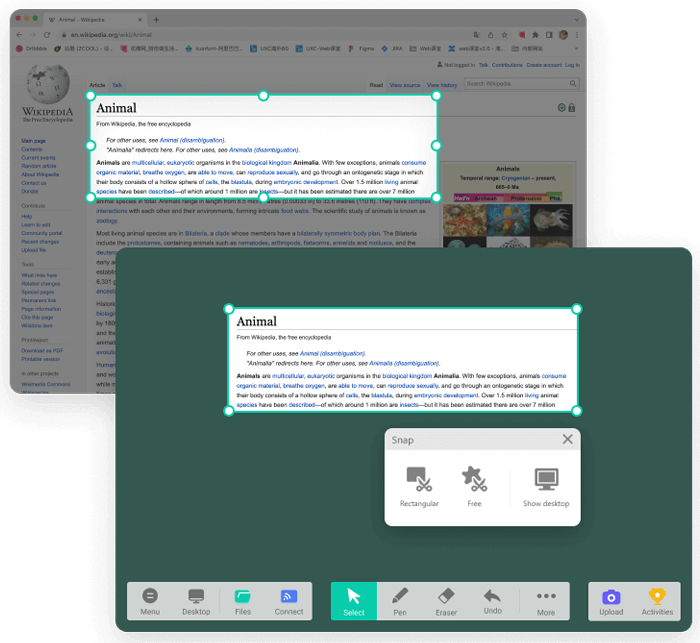
Capture
Capture and utilize content instantly — ideal for guiding children in homes, kindergartens, and small academies.
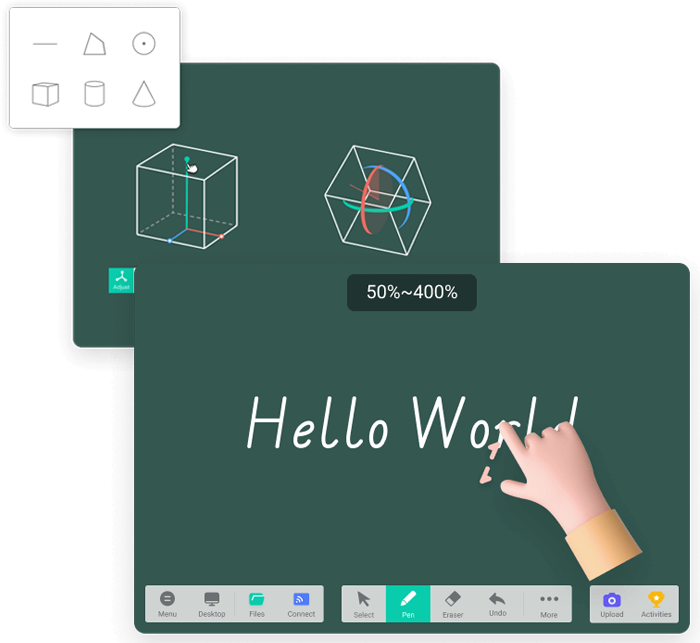
Shape Drawing / Infinite Canvas
Access essential tools for math and science lessons, while giving students the freedom to explore and expand their creativity on an unlimited canvas.
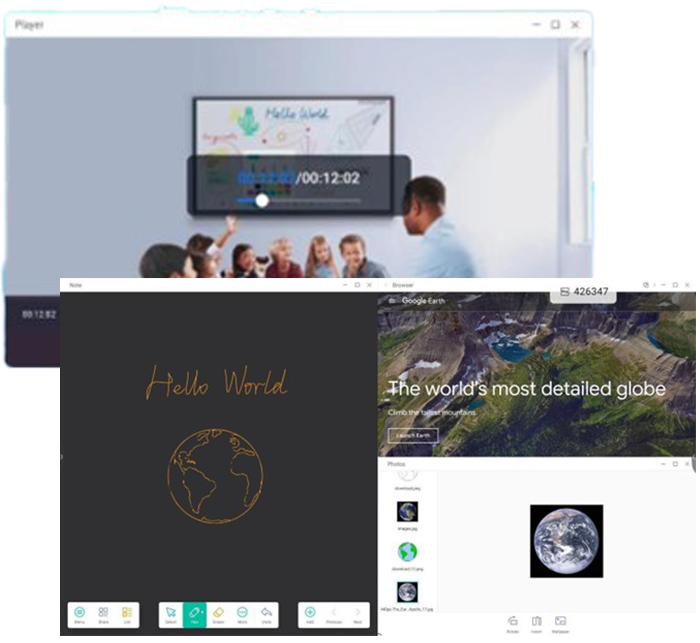
Multimedia Resources
With 4K resolution support, seamlessly integrate videos, music, images, and other rich media into your lessons.
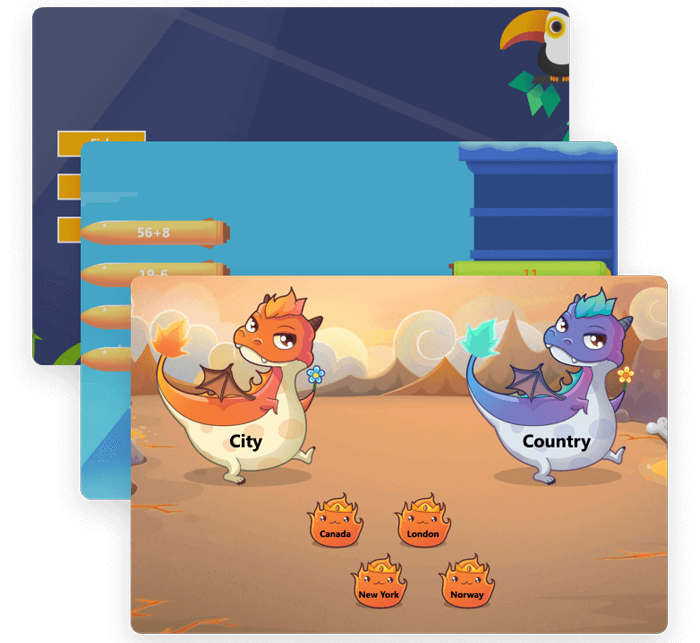
Interactive Activities
Make learning both easy and enjoyable with engaging quiz games and interactive classroom activities.
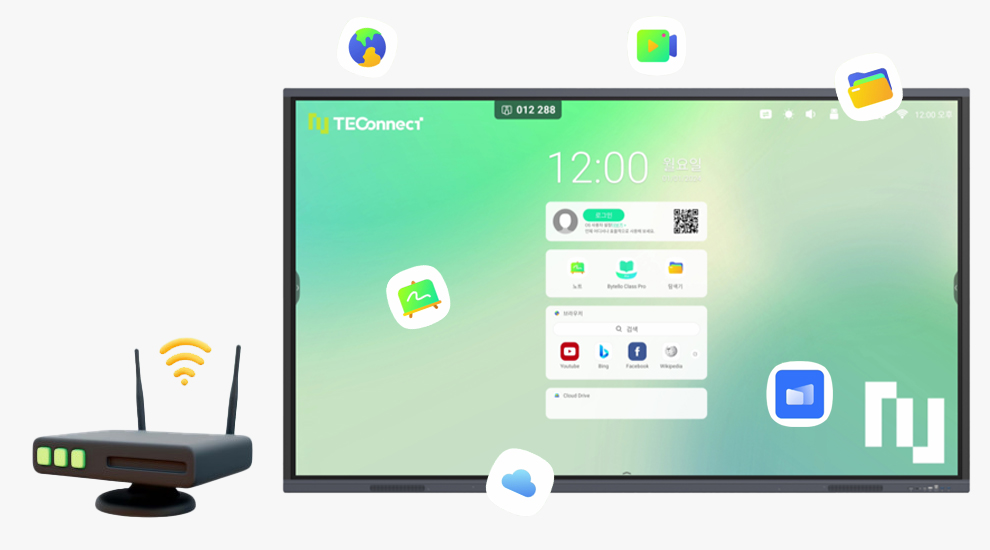
More Than a Display — Even Watch TV on One Screen
All-in-One Media Display
Browse the web, stream YouTube, and connect a set-top box to watch live TV — all from a single interactive display.
High Performance. Exceptional Value.
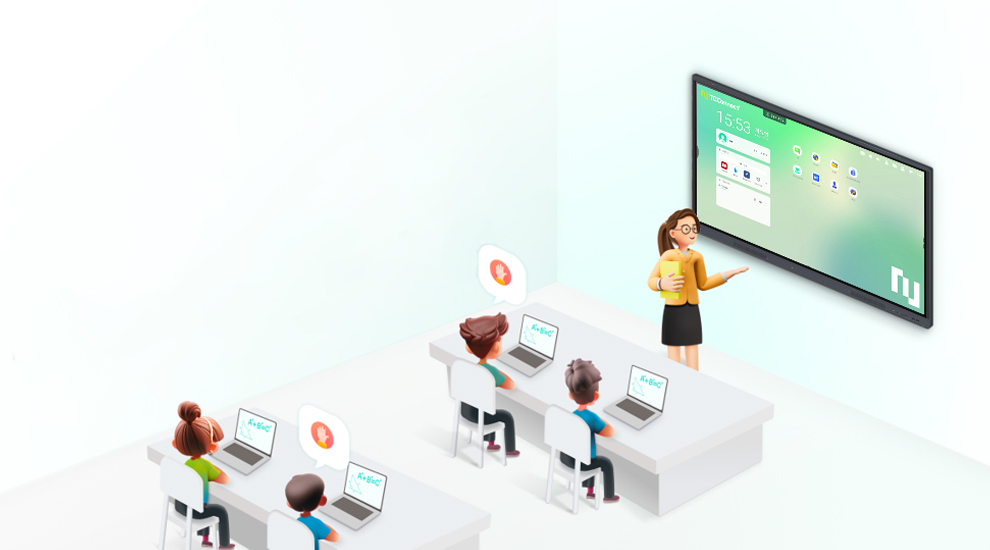
With built-in Bytello software, teachers can securely store their materials while utilizing a wide range of educational tools to increase student engagement and participation.

Keep Your Teaching Materials Secure with Bytello OS
Designed for educators who handle sensitive lesson content, Bytello OS allows you to securely store materials under your personal account — even on shared interactive displays.
– Personal Custom Mode (After Login)
Access and manage your own files and personalized settings once logged in.
– Public Mode (Before Login)
Without logging in, previously saved personal materials remain completely inaccessible to others, ensuring privacy and data security.
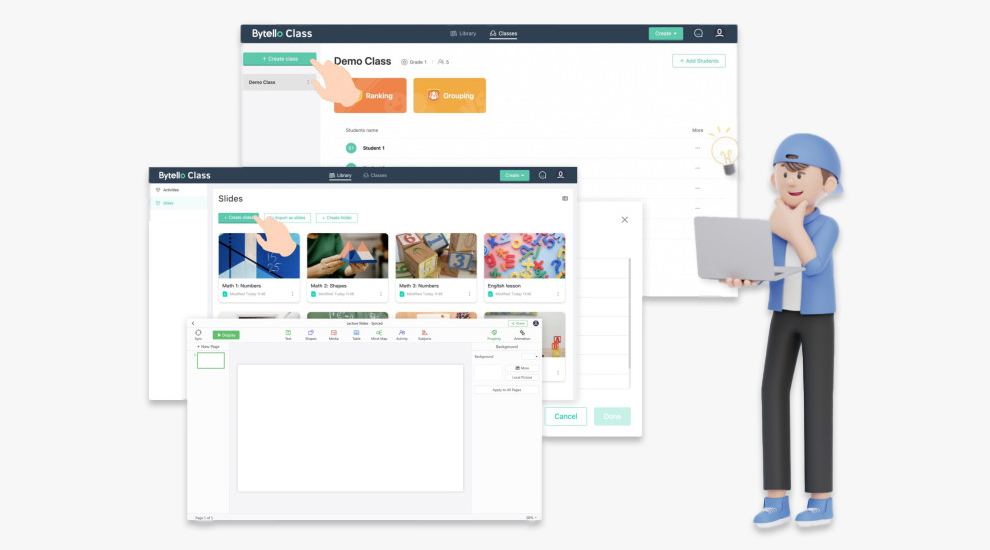
Simplify Lesson Preparation with Bytello Class Pro
Log in on your PC to create, manage, and store teaching materials — all in one seamless platform with Bytello Class Pro.
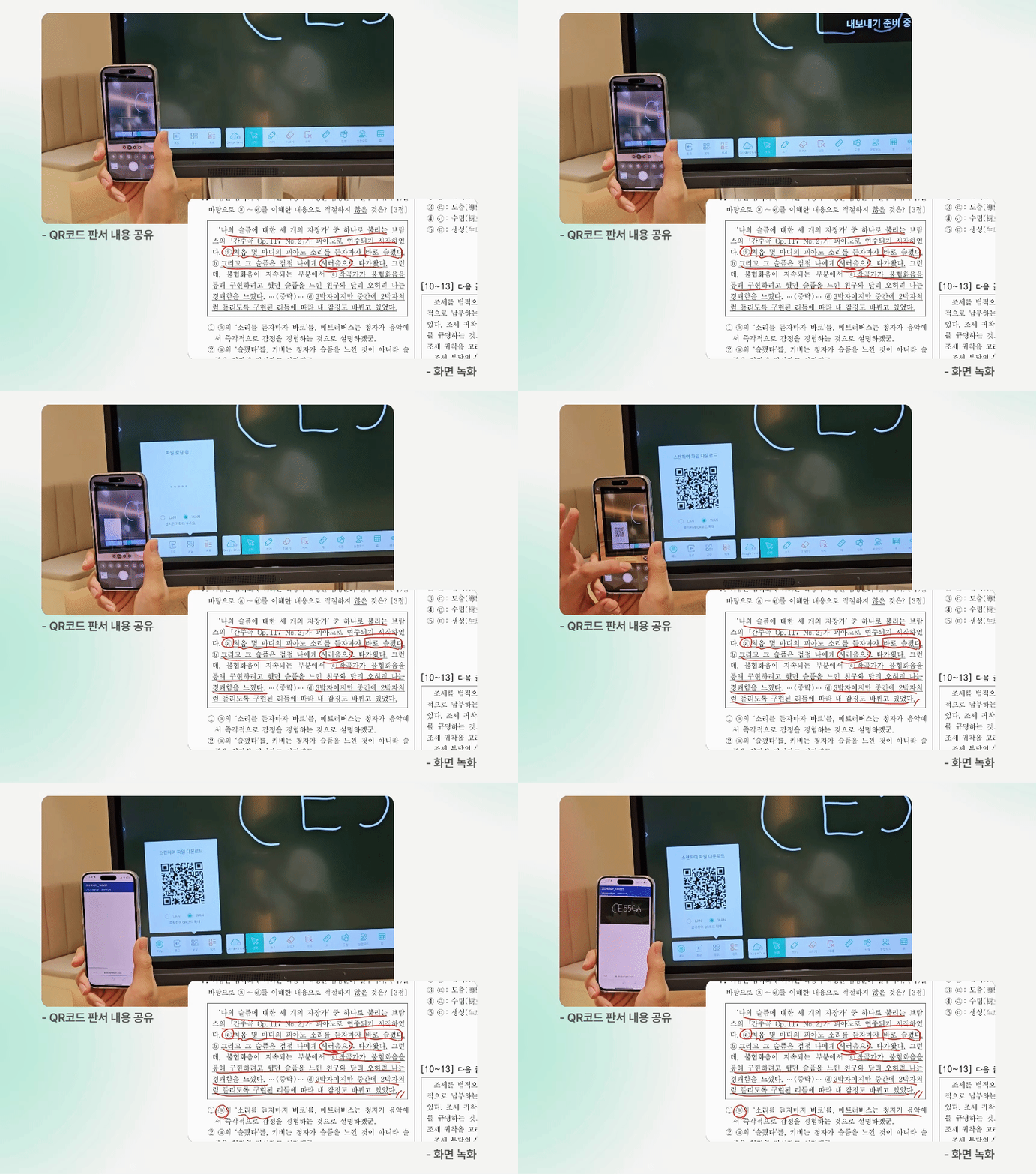
QR Code Sharing & Screen Recording
Make lesson sharing effortless.
Scan a QR code to instantly share whiteboard notes, and allow students who missed the class to review the session through recorded videos.
– Share Whiteboard Content via QR Code
– Screen Recording Feature
Practical Teaching Tools Designed for Educators
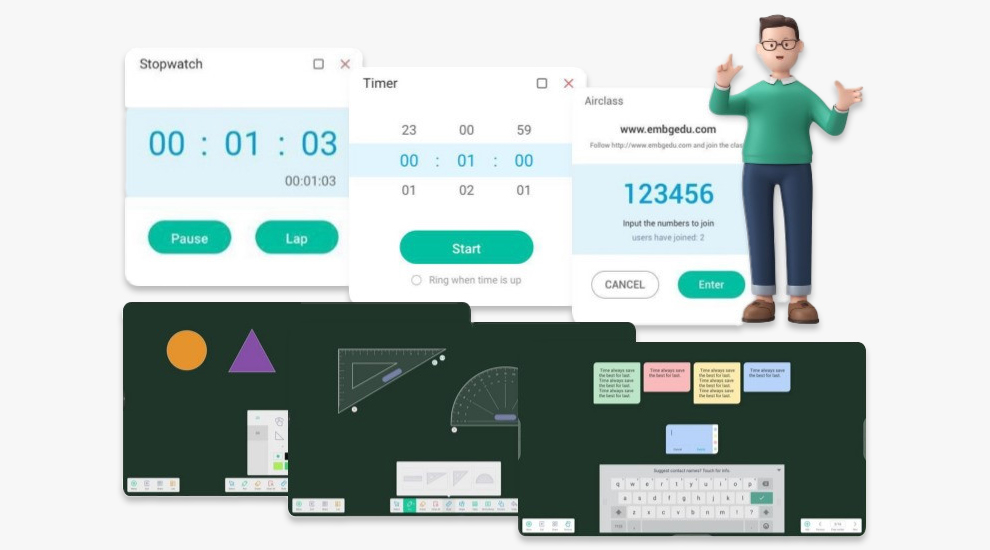
Enhance student focus and participation with a variety of built-in educational tools.
– Stopwatch, Timer, and Voting Features
– Shapes, Protractor, and Sticky Notes Tools
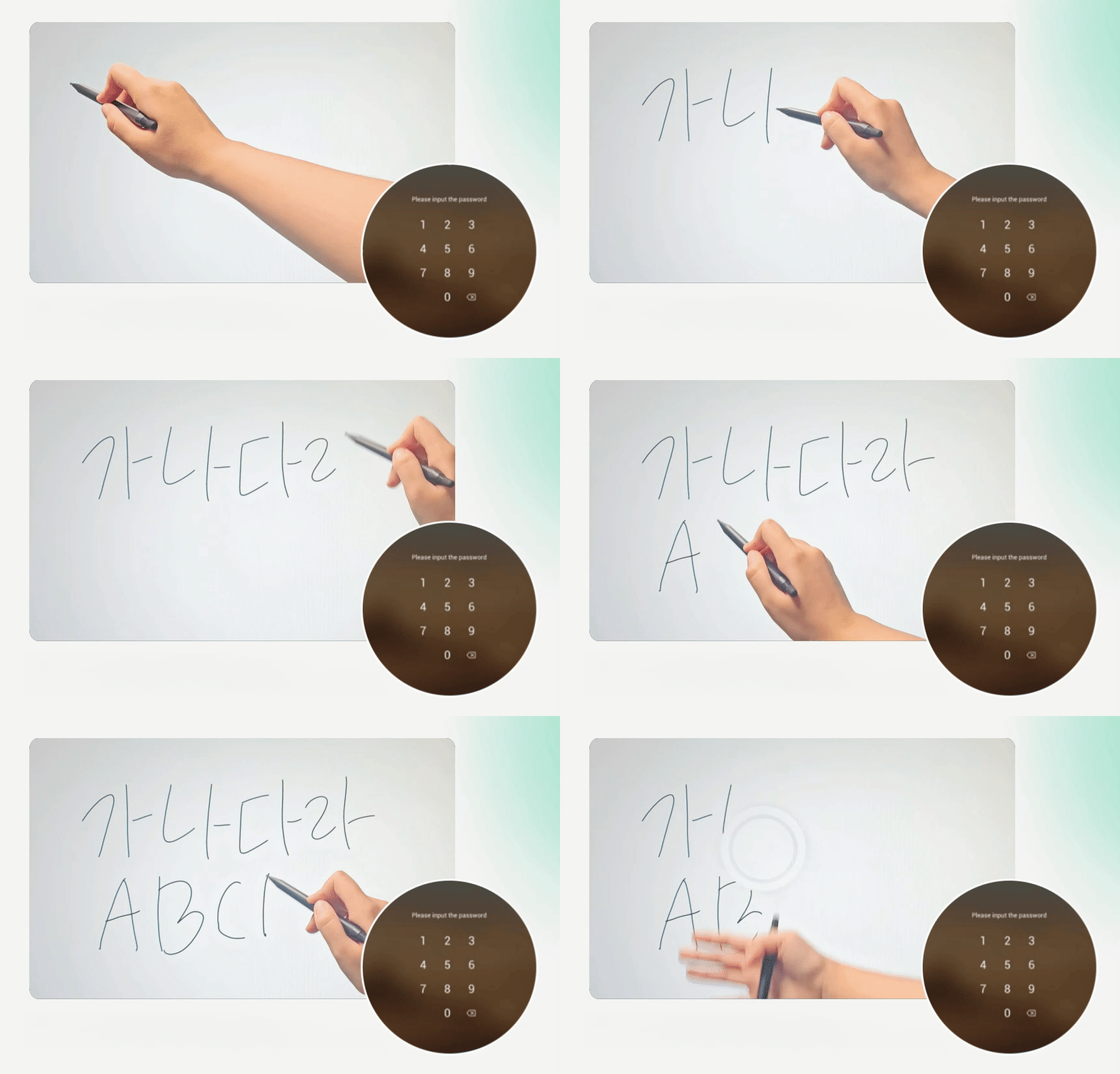
Smooth Writing Experience with Palm Erase
With 3mm tempered glass, enjoy ultra-smooth touch writing with virtually no latency.
Easily erase using your palm or the back of your hand for a more natural and convenient teaching experience.
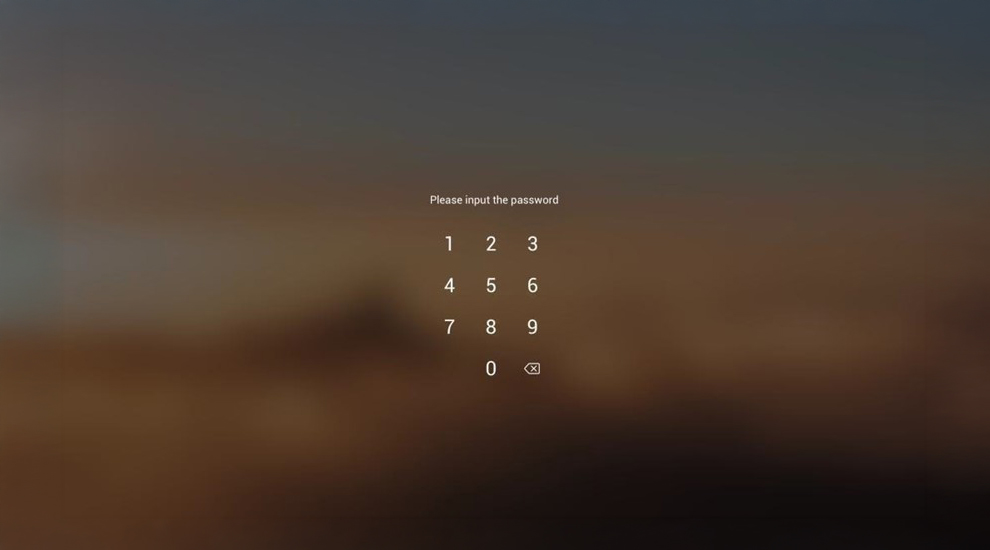
Screen Lock Function
Use the screen lock feature during breaks or when not in use to prevent unauthorized access and ensure controlled operation.
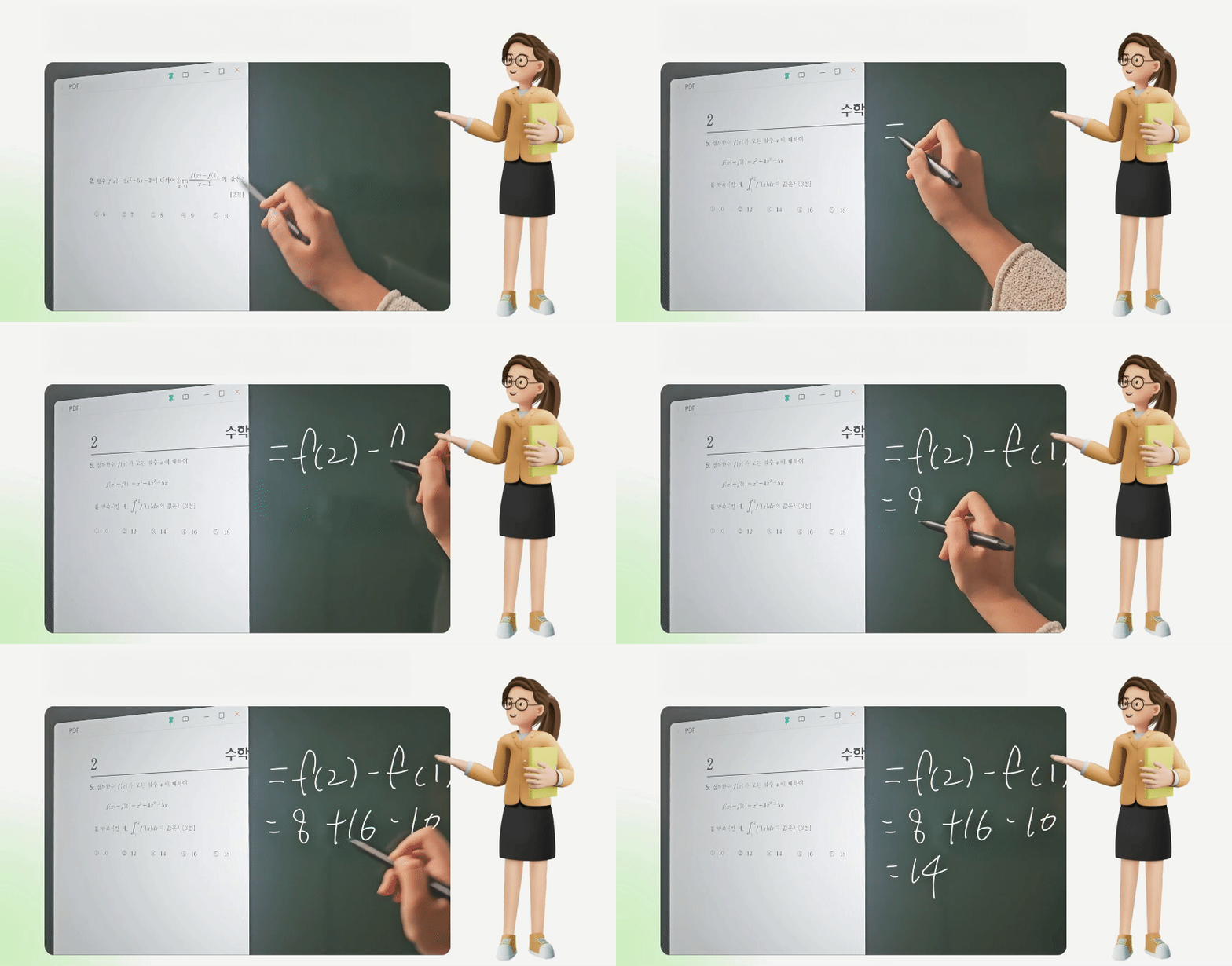
Multi-Window Mode for More Efficient Teaching
Open frequently used lesson materials such as PDF and PPT files while writing on the screen — enabling a more structured and efficient teaching experience.
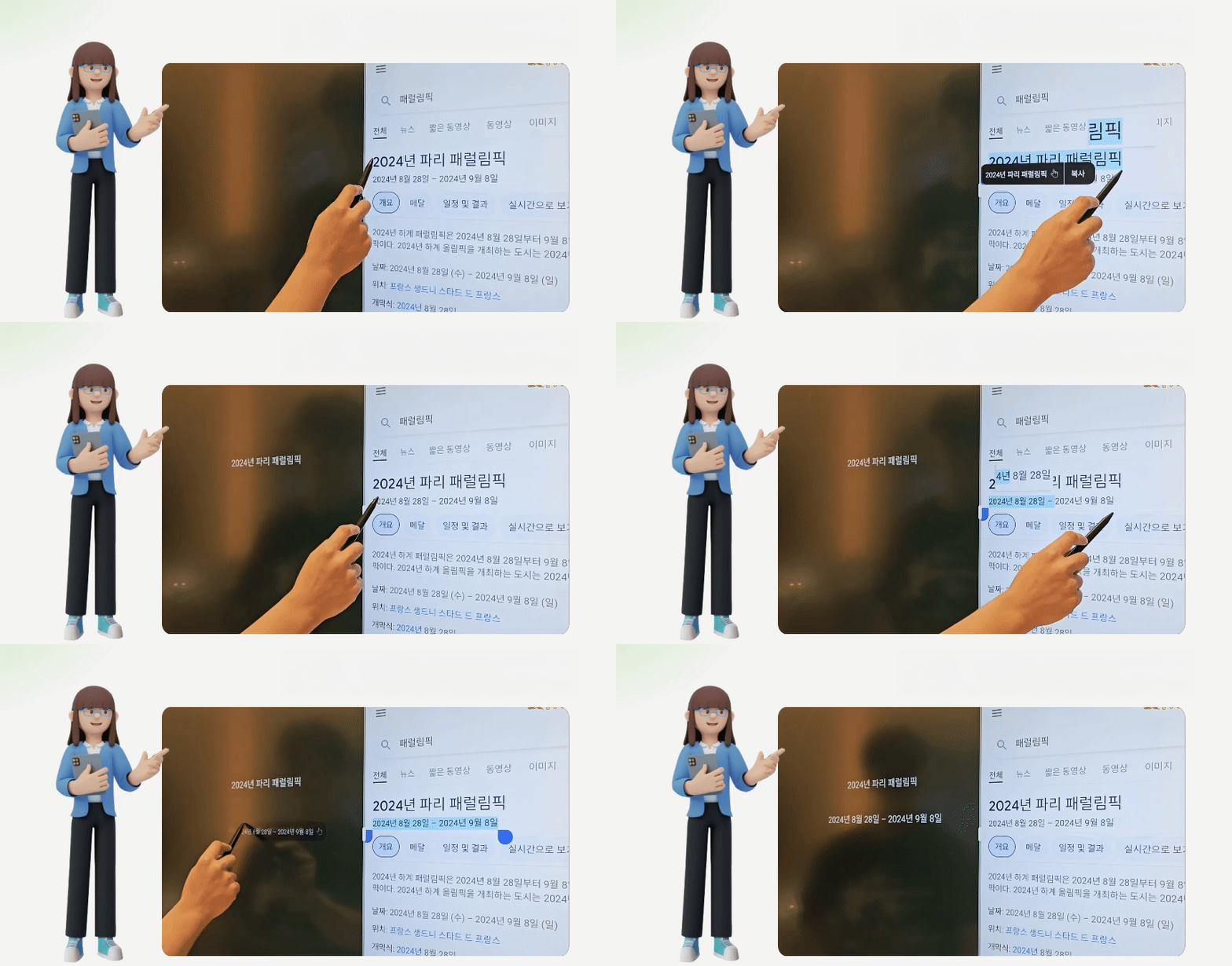
Smart Text Transfer for Seamless Lesson Integration
In split-screen mode, simply drag and drop text or images onto the whiteboard — allowing you to move content effortlessly without rewriting it manually.
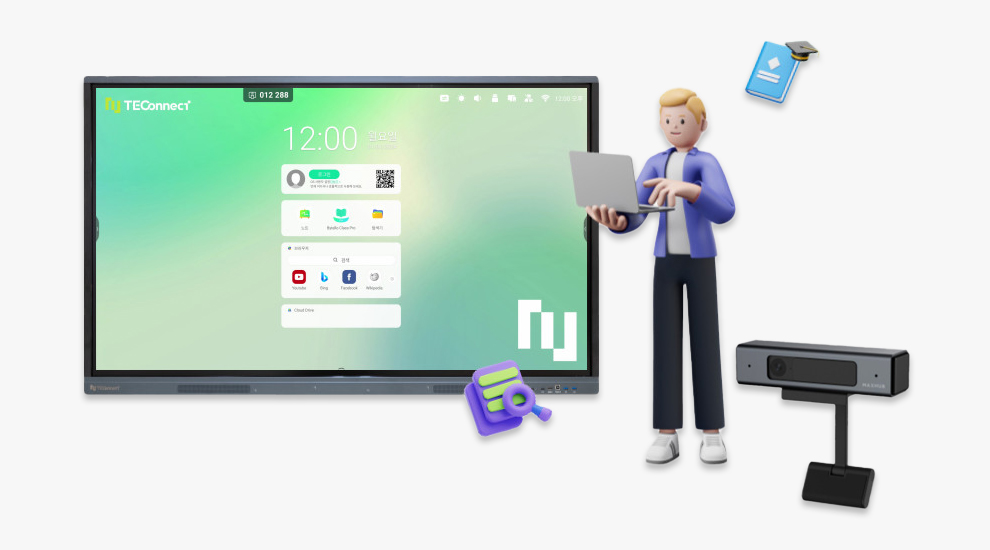
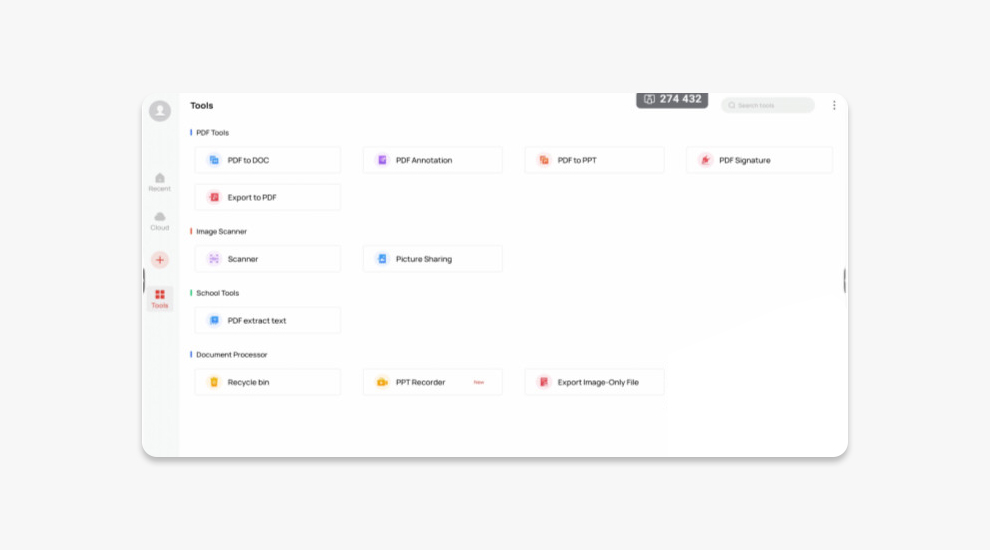
Built-in WPS Office for Broad File Compatibility
Open, edit, and manage a wide range of file formats including Word, PPT, and PDF directly on the display.
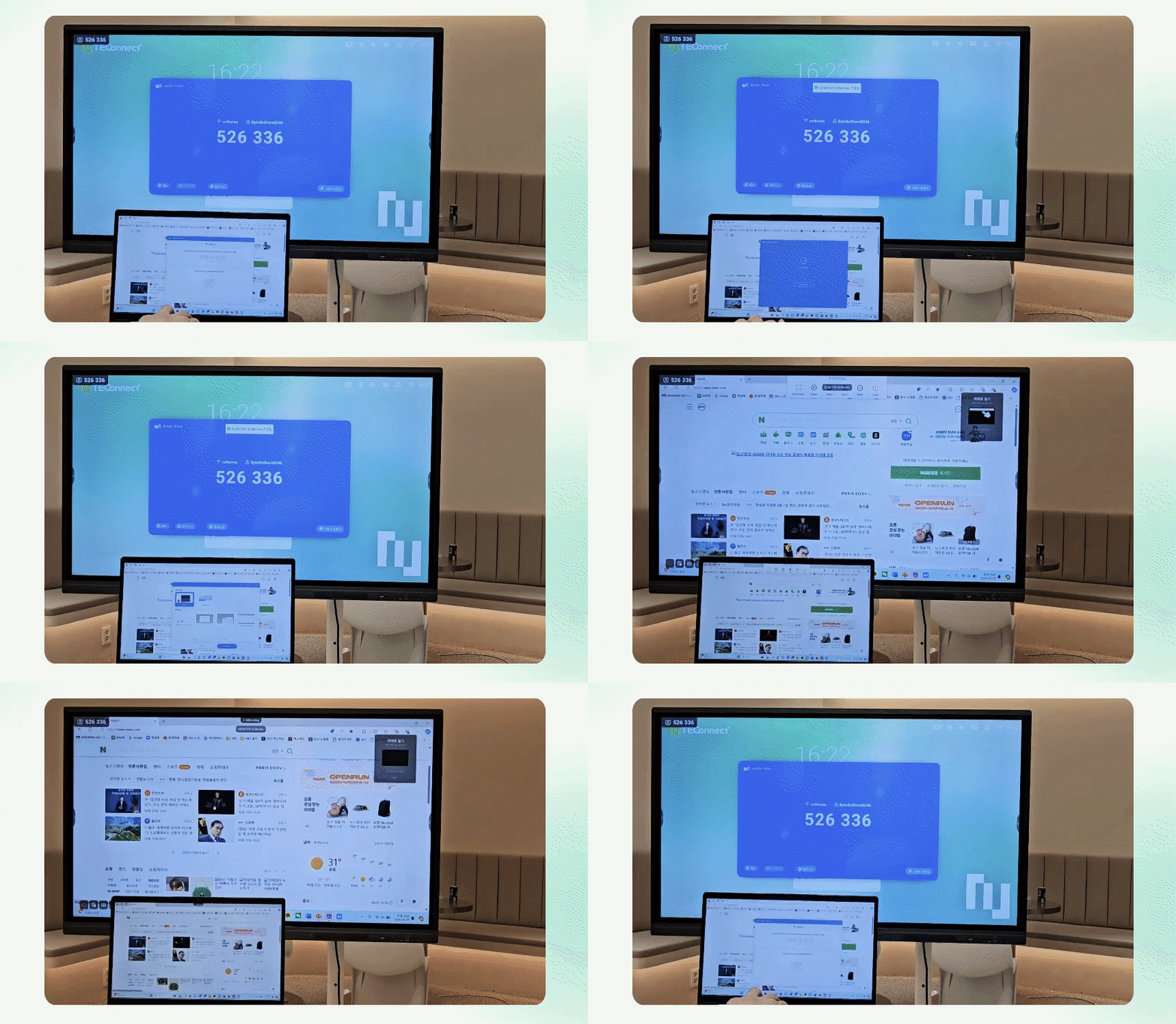
Seamless Wireless Screen Sharing with Bytello Share
Wirelessly mirror your laptop, smartphone, or other personal devices to the interactive display with ease.
Simply enter the Bytello Share PIN code to enjoy fast, cable-free screen mirroring — no physical connections required.
Product Specifications
Display
| Model | CE55GA | CE98GA |
| Size (Inch) | 55 | 98 |
| Panel | ADS | ADS |
| Response | 8ms | 8ms |
| Aspect Ratio | 16:9 | 16:9 |
| Resolution | 4K UHD | 4K UHD |
| View Angle | 178˚(H/V) | 178˚(H/V) |
| Display Color | 1.07B(10bit) | 1.07B(10bit) |
| NTSC | 72% | 72% |
| Contrast Ratio | 1200:1 | 1200:1 |
| Backlight | DLED | DLED |
| Brightness (min/typ) | 300/350nits | 300/350nits |
| Lifetime | ≥30000 Hours | ≥30000 Hours |
Operating System
| Model | CE55GA | CE98GA |
| Android | 13 | 13 |
| RAM | 8G | 8G |
| ROM | 128G | 128G |
Touch System
| Model | CE55GA | CE98GA |
| Sensor | Infrared recognition | Infrared recognition |
| Accuracy | ±1.5mm | ±1.5mm |
| Touch Points | 40 Points | 40 Points |
| Touch Response | ≤10ms | ≤10ms |
| Operating System | Windows10/Windows8/Windows7/Windows XP/Android/Linux/Mac OS/Chrome | |
Connectivity
| Model | CE55GA | CE98GA |
| HDMI IN | × 3 | × 3 |
| HDMI OUT | × 1 | × 1 |
| TOUCH 2.0 | × 2 | 0 |
| TOUCH 3.0 | 0 | × 2 |
| VGA IN | × 1 | × 1 |
| AUDIO IN | × 1 | × 1 |
| AUDIO OUT | × 1 | × 1 |
| SPDIF | × 1 | × 1 |
| RS232 | × 1 | × 1 |
| RJ45 IN | × 1 | × 1 |
| RJ45 OUT | × 1 | × 1 |
| USB 3.0 | × 4 | × 4 |
| USB 2.0 | × 1 | × 1 |
| USB Type-C | × 1 | × 1 |
| OPS Slot | × 1 | × 1 |
Speaker
| Model | CE55GA | CE98GA |
| Sound Channel | 2.0 | 2.0 |
| Speaker | 2×16W | 2×16W |
Power
| Model | CE55GA | CE98GA |
| Operating voltage | AC100-240V, 50/60Hz 3.5A | AC100-240V, 50/60Hz 3.5A |
| Consumption(Typ.)/(Max) | 160W/320W | 160W/320W |
| Standby power | ≤0.5W | ≤0.5W |
Physical Specifications
| Model | CE55GA | CE98GA |
| Dimension LxHxD | 1271 x 774 x 87mm | 2245 x 1323 x 92mm |
| Screw | M8 x 25mm | M8 x 25mm |
| VESA | 400x200mm | 800x600mm |
| Weight | 26.10kg | 98.5kg |

